Cloud server · Server hosting
Managed VPS
for businesses in Israel.
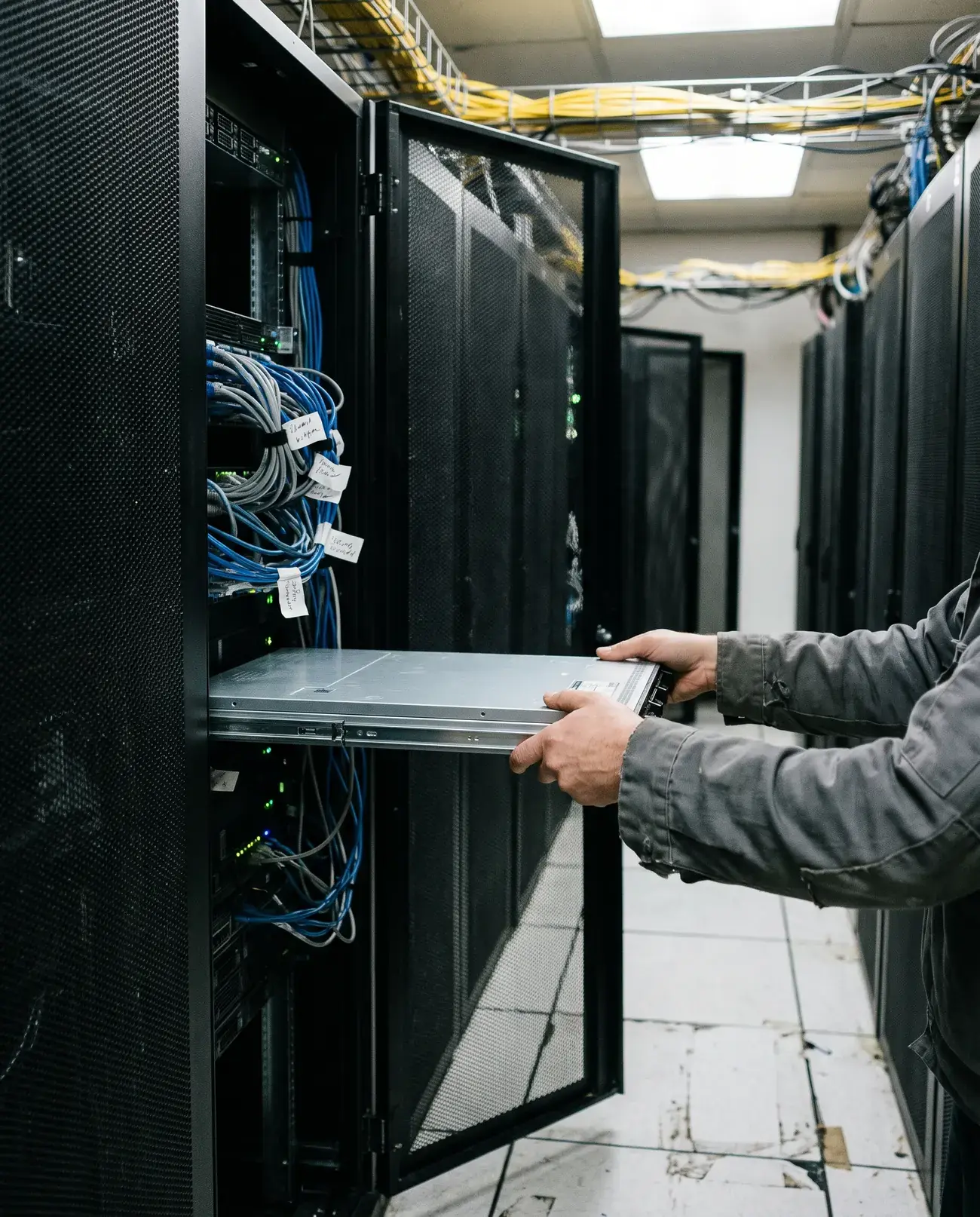
A managed VPS for businesses in Israel: a virtual server that runs in a data center in place of the cabinet in the office. We set up virtual servers in the cloud, move your systems onto them, and keep managing them: updates, backup, permissions and remote access.
- Managed virtual server or colocation
- Migration from the office server, without stopping work
- Backup to a separate copy and secure remote access
Received, thank you. An engineer will get back to you shortly.
The first consultation call is free · or message us on WhatsApp
Customers usually come to us when...
- The office server is five years old or more, and they have to decide whether to buy a new one
- People at home and in branches all connect to one server in the office
- There is a virtual server at some provider, and nobody updates it or backs it up
- A power cut at the office stops the whole company
01 / What runs on it
What businesses move to a virtual server
The systems that gain most from the move are the ones people work in from several places.
- Business software used from several placesAccounting, ERP or CRM that staff also need from home and from the branches.
- Remote work serverA Remote Desktop server that staff connect to from any computer, with a permission for each employee.
- File serverWhen the files have to stay on a server with folder permissions and not move to SharePoint.
- Internal systemsA system developed for the business, a software license server, or a server that connects other systems.
- An office server that has agedRather than buying new hardware for five years, the system moves to a virtual server.
02 / Comparison
Managed VPS, unmanaged VPS, colocation or an office server
Most virtual server providers give you a machine. What is inside it stays your responsibility.
03 / What is included
What our managed VPS service includes
From the mapping to the ongoing support, with one team.
- Mapping before the moveWhich systems gain from a virtual server, and which are better left in the office.
- Setup and migrationWe set up the server, move the system and the data, and test with the staff before switching over.
- Secure remote accessVPN or controlled access, with a permission for each employee that is closed when they leave.
- Backup to a separate copyA copy that does not sit with the same provider as the server, and real restore tests.
- Updates and monitoringOperating system updates as a controlled change, and tracking of availability and performance.
- SupportThe same team that manages the network and the computers in the office also answers for the server.
04 / Before you choose
What to check before choosing a virtual server
Five things that decide whether the server will work well, and whether the move will cost what you planned.
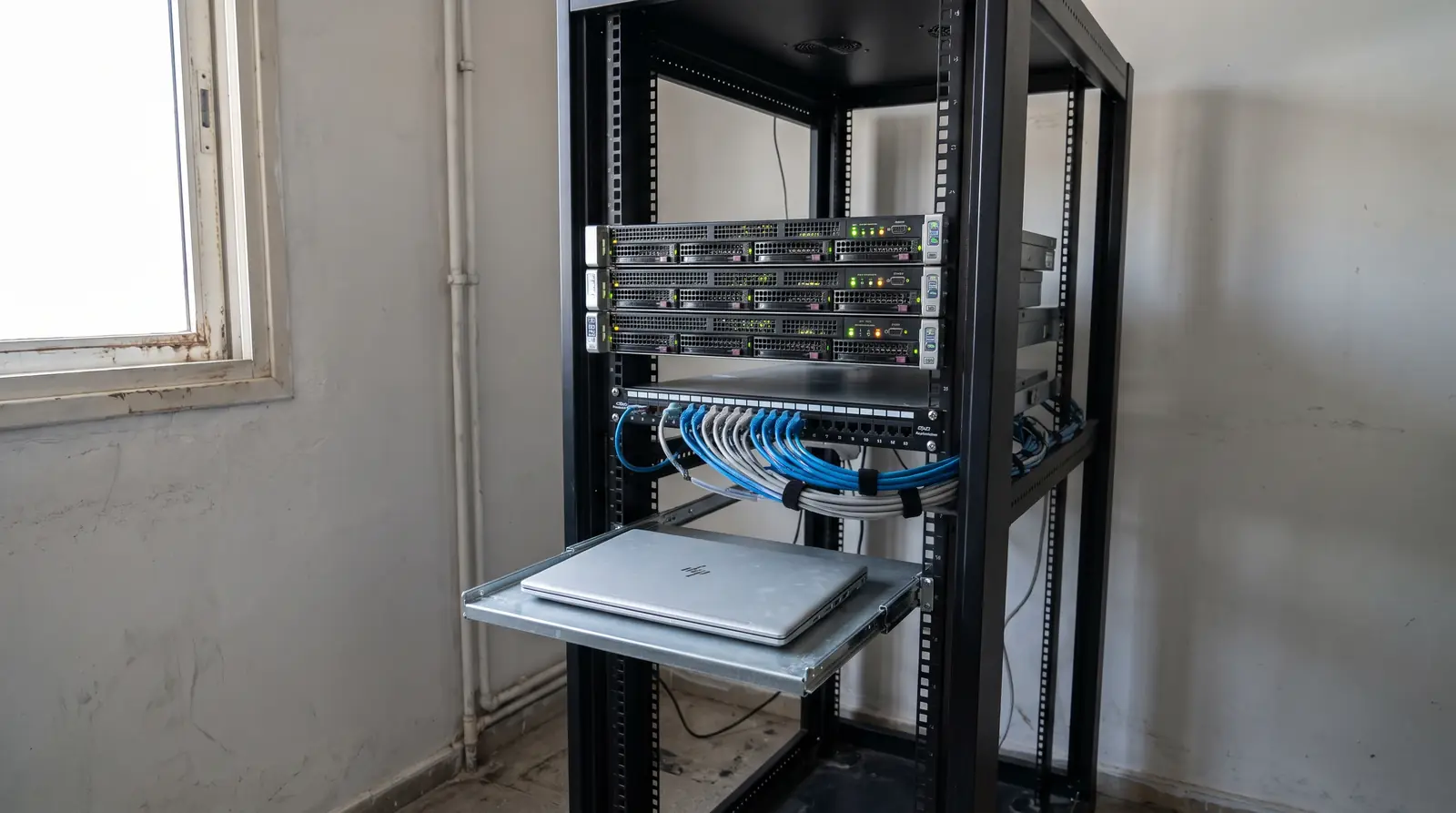
- How many resources the server needsCPU, memory and storage are set by what the server runs today and by how many people connect to it at once. We measure the existing server before choosing, so you do not pay for resources you do not need or get stuck with a slow server.
- LicensingA Windows server needs a license, and remote work on a shared desktop (Remote Desktop) also needs an access license for each user or device (RDS CAL). It is worth checking this before the move, not after it.
- Backup, not only a snapshotA snapshot is a point-in-time image of the server held by the same provider. It is useful before an update, but if the account is breached or the provider goes down, it is gone too. A real backup sits somewhere else.
- Where the server sitsWhich country and which data center. This matters to customers who require the data to stay in Israel, and to the speed for people working from Israel.
- The office internet lineWhen the server is in the cloud, the office internet line is the only way to reach it. A second line from a different provider prevents the whole office stopping because the line went down.
05 / The move
How the move to a virtual server works
Mapping
What runs today, who uses it and from where, and what depends on what.
Planning
The server size, the remote access and the backup, before anything moves.
Migration
In an agreed time window, usually over a weekend, so work does not stop.
Ongoing management
Updates, backup, monitoring and support. The old server stays for a defined period, in case something is missing.
Why us
Why choose ILS Networks for virtual servers
We do not move everything
We start with a mapping, and we also say what is better left in the office.
We also manage what is inside the server
Beyond the machine itself: updates, permissions, backup and remote access.
One team for all the IT
The cloud server, the office network and the staff computers are managed by the same team.
Questions about
virtual servers
Related services:
What is a virtual server (VPS)?
A virtual server (VPS) is a server that runs on a provider’s hardware in a data center, in place of a machine in the office. It looks and works like a server of your own, with its own operating system, memory and storage, and the resources can grow without buying equipment.
What is the difference between a VPS and a dedicated server?
A dedicated server is a whole physical machine assigned to you. A virtual server shares hardware with other servers, so it is more flexible and quicker to set up, but its resources are limited to what was allocated to it.
What is the difference between a managed and an unmanaged VPS?
With an unmanaged server you get a machine, and everything that happens inside it is your responsibility: updates, backup, security and permissions. With a managed server we set it up, migrate the systems and operate the server over time.
What is the difference between a virtual server and colocation?
With server hosting (colocation) the physical server is yours, and it sits in a data center with power, cooling and connectivity. With a virtual server the hardware also belongs to the provider, and you use the resources allocated to you.
Is a cloud server secure?
Not automatically. A server in the cloud can be breached or encrypted by ransomware just like a server in the office. What protects it is secure remote access, two-step verification, updates on time and backup to a separate copy.
What happens to the server if the office internet goes down?
The server keeps working, and people at home or in another branch keep connecting. People in the office without internet cannot reach it, which is why a business that moves systems to the cloud needs a second internet line.
Is a VPS snapshot a backup?
No. A snapshot keeps the state of the server with the same provider, so if the account is breached, if files are encrypted by ransomware or if the provider has a fault, it can be damaged together with the server. A backup has to sit with a different provider or in a different place.
Do you need a special license to work remotely on a virtual server?
If staff connect to a shared desktop on a Windows server (Remote Desktop), an access license is needed for each user or each device (RDS CAL), in addition to the license of the server itself.
How long does it take to move to a virtual server?
It depends on the system and on the amount of data. A single system usually moves in one time window, after mapping and planning. A move of several servers is done in stages.
Let’s check whether your server should move.
Tell us what runs on the server today and who uses it. An engineer will get back to you with a recommendation, with no commitment.
Received, thank you. An engineer will get back to you shortly.