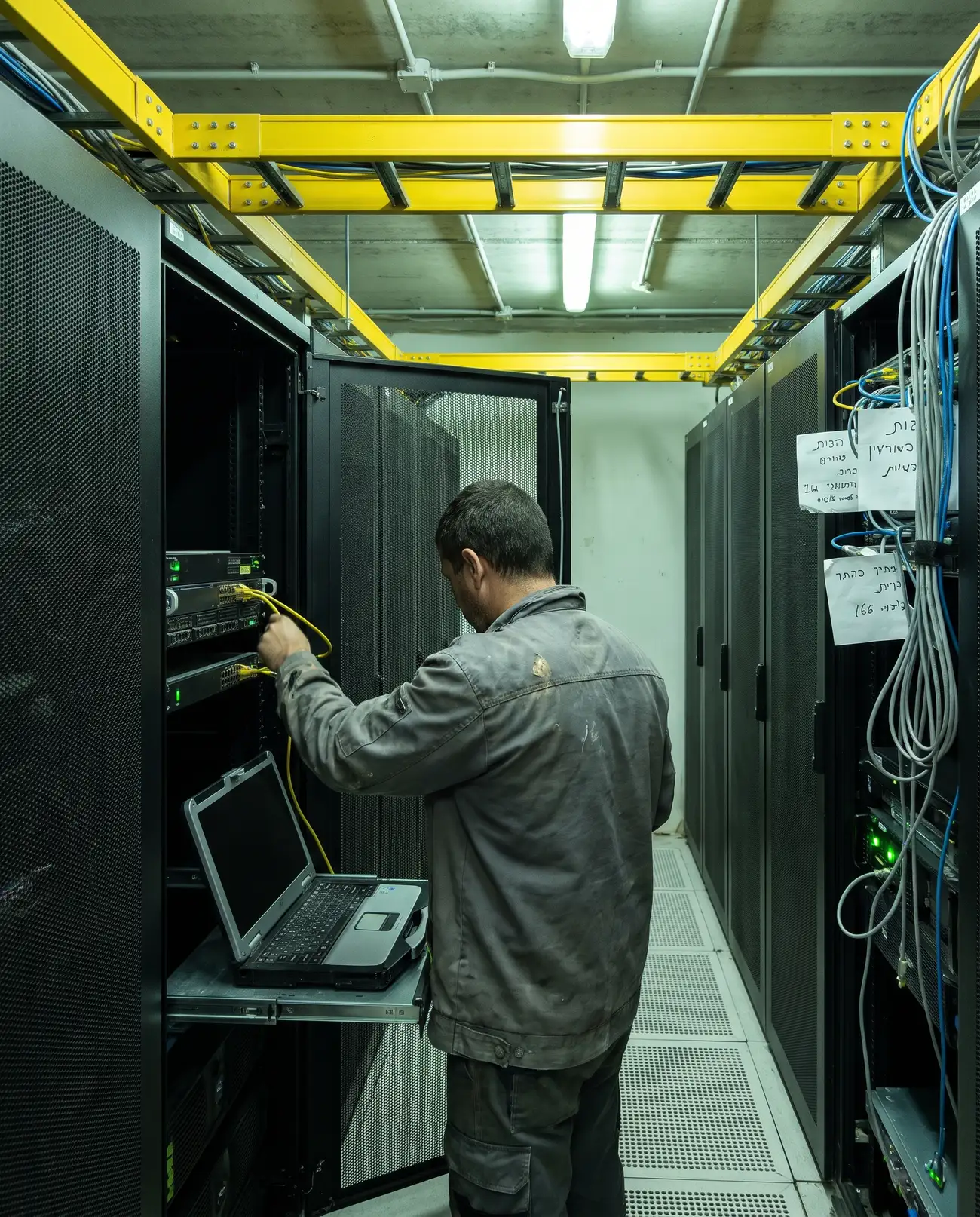
Virtual servers, storage and cloud backup
Cloud services
for businesses in Israel.
Cloud services for businesses are servers, storage and email that sit in a data center in place of the office. We check what is worth moving, do the cloud migration, and keep managing the systems afterwards.
- Virtual servers and colocation
- Microsoft 365 and cloud backup
- Ongoing management after the move, by the same team
Received, thank you. An engineer will get back to you shortly.
The first consultation call is free · or message us on WhatsApp
Customers usually come to us when...
- The office server is old and they have to decide whether to buy a new one
- People work from home and from branches, and everything depends on one office
- A power cut at the office stops the whole company
- The server room is a cabinet in the corner, with no cooling and no power backup
01 / What is included
What our cloud services for business include
Six cloud solutions for businesses. You can take one, or combine them.
- Virtual servers in the cloudA managed virtual server (VPS) in place of a physical server in the office. We set it up, move the system onto it and run it.
- Server hosting (colocation)The servers stay yours, but they sit in a data center with power, cooling and connectivity that do not depend on the office.
- Cloud file storageThe company’s files in SharePoint and OneDrive or on a cloud file server, with permissions by department.
- Microsoft 365Email, files and Teams in the Microsoft cloud, including licensing, migration and user management.
- Cloud backupA separate copy of the servers and of Microsoft 365 outside the office, with restore tests.
- Hybrid cloudSome systems in the office and some in the cloud, connected in one secured network.
02 / Comparison
Office server, colocation or a virtual server in the cloud
Every system has a place that suits it. In most businesses the result is a mix.
03 / Before the move
What we check before a cloud migration
Five questions that decide whether a system gains from the move, or is better left in the office.
- Who uses the system, and from whereStaff in the office, at home or in branches. This decides whether the cloud will make things easier or harder.
- How much it depends on the office network and storageA system that moves large files all day is better kept close to its users.
- What happens when the office has no power or internetIf work has to continue, that is a strong argument for the cloud.
- How it is backed upA copy that sits with the same provider as the system is not a separate copy.
- How people connect to itSecure remote access, with a permission for each employee that is closed when they leave.
04 / After the move
After the move to the cloud: who manages it
Moving to the cloud takes half the work off you. It is worth knowing which half.
- What comes off your plateHardware faults, power, cooling and equipment replacement.
- What stays, and we manageOperating system updates, permissions, backup and monitoring. Moving to the cloud does not remove this work.
- Who answers when something does not workThe same team that manages the rest of your IT, and not a cloud provider’s call center.
Why us
Why choose ILS Networks for cloud services
We first check what is worth moving
Not every system gains from a cloud migration. We start with a mapping, and we also say what is better left in the office.
We also manage what runs in the cloud
Monitoring, updates, backup and support, alongside the network and the computers in the office.
Cloud, office or a mix
Virtual servers, colocation and Microsoft 365. The mix is set by your systems.
Questions about
cloud services for business
Related services:
What do cloud services for business include?
Managed virtual servers, server hosting in a data center, Microsoft 365 for email and files, and cloud backup. We set them up, migrate the existing systems and keep operating them.
What is cloud computing for business?
Cloud computing means using cloud infrastructure: servers, storage and software that sit with a provider and are reached over the internet, in place of equipment standing in the office. The business pays for what it uses and does not buy hardware up front.
What is a virtual server (VPS)?
A virtual server is a server that runs on a provider’s hardware in a data center, in place of a machine in the office. You get an operating system, memory and storage as needed, and you can grow without buying equipment.
Cloud or a server in the office: which suits a business?
It depends on the systems. A system that mainly serves the people in the office and pulls large files is better kept local. A system that people reach from anywhere and that must work when the office has no power suits the cloud. In most businesses the result is a mix.
Does moving to the cloud save maintenance?
It removes the physical part: hardware, power and cooling. Updates, permissions, backup and monitoring remain, and someone has to manage them. That is the part we take on.
What is the difference between a virtual server and colocation?
With colocation the hardware is yours and it sits in a data center. With a virtual server the hardware also belongs to the provider, and you pay for the resources in use.
How do you back up systems that sit in the cloud?
Like any other system: more than one copy, one copy with a different provider, and real restore tests.
How much do cloud services cost for a business?
The price depends on the number of servers, the resources each one needs, and the storage and backup volume. After a mapping of your systems you get a clear proposal, including a comparison with what it costs to keep them in the office.

Let’s check what is worth moving to the cloud.
Tell us which systems run today and who uses them. An engineer will get back to you with a recommendation, with no commitment.
Received, thank you. An engineer will get back to you shortly.