
Automation and AI for work processes
AI automation
for businesses.
AI automation connects the systems your business already has, so that recurring tasks happen by themselves. ILS Networks starts with one process, defines where your team approves, and tests on real examples before expanding.
- Systems connected, with no double typing
- AI that reads emails, documents and calls
- An AI assistant for the phone system, with a handover to an agent
Received, thank you. An engineer will get back to you shortly.
The first consultation call is free · or message us on WhatsApp
Companies usually call us when...
- Someone copies details from one system to another every day
- Enquiries from the website and WhatsApp get lost
- The phone does not stop, and most of the questions repeat
- You want to start with AI and do not know where
01 / Examples
Business automation examples by department
These are the processes we check first, because they repeat the most and pass between the most people. Choose a department.

Every enquiry reaches the right salesperson
An enquiry from the website, email or WhatsApp is logged in the system and reaches the right salesperson, without anyone copying it by hand.
Check your process →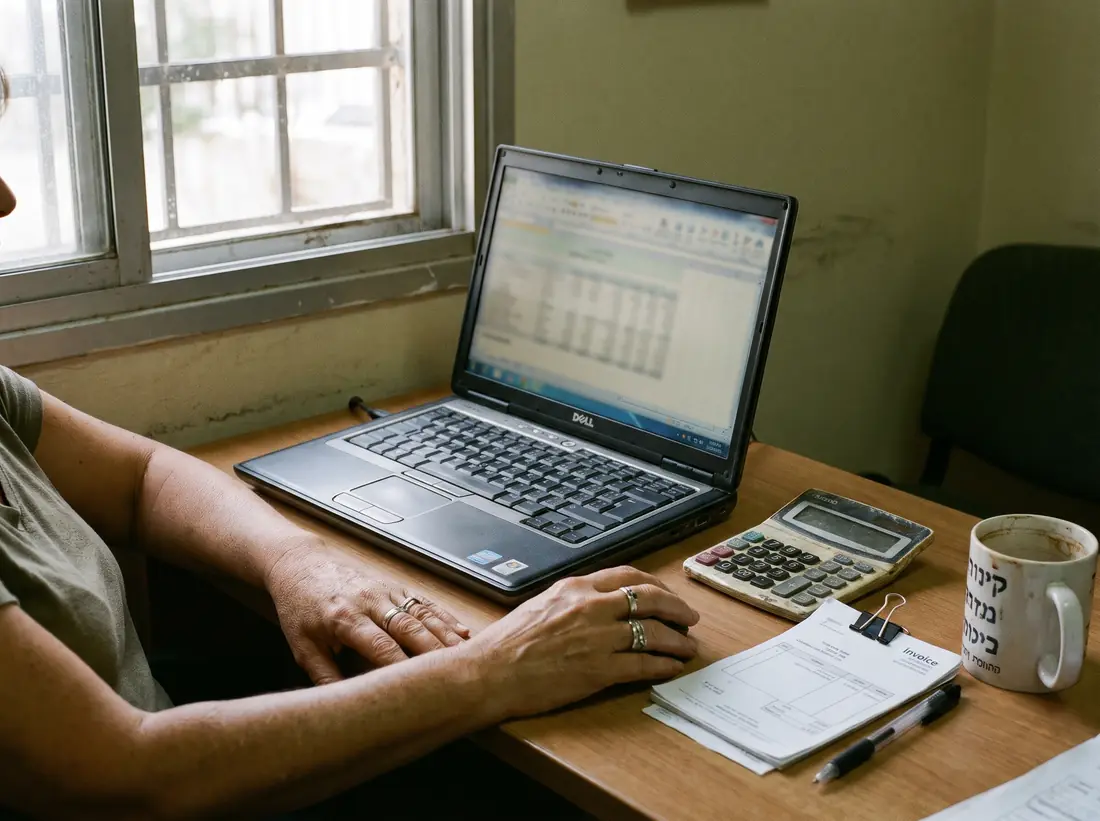
An invoice is filed and sent for approval
An invoice that arrives by email is saved in the right folder, its details are extracted and it is sent for approval.
Check your process →
A first answer at once, an agent for everything else
Questions that keep coming back get a first answer, and everything else goes to an agent with all the details.
Check your process →
An AI assistant answers and hands over to an agent
An AI assistant connected to the phone system collects the caller’s details, and hands over to an agent or opens a ticket when a person is needed.
Check your process →
A new employee is ready to work on day one
A user account, a mailbox, a Microsoft 365 licence and permissions by role, in one list that runs by itself.
Check your process →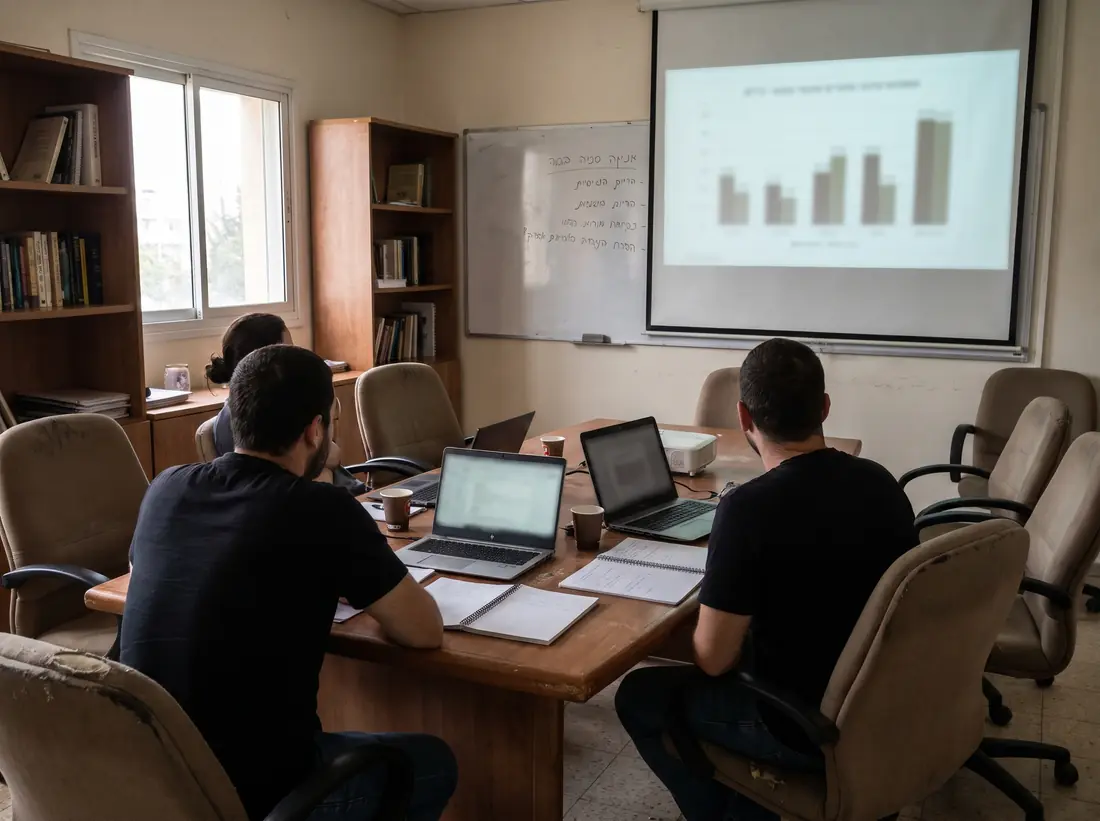
The weekly report is ready without anyone preparing it
Data collected from several systems into one report, sent at the same time every week without anyone preparing it.
Check your process →02 / Automation or AI
Rule-based automation, AI, or a mix
Not every process needs AI. Here is the difference, and when each one fits.
03 / AI agents
What an AI agent is, and what it does in a business
An AI agent is software that carries out a sequence of actions on its own: it reads, decides and acts in the systems. This is what it looks like in practice.
- Step 1
Reads what comes in
An email, a form, a WhatsApp message or a call transcript, even when they are not written to a fixed template.
- Step 2
Decides the next step
By rules you set: which department it belongs to, what is urgent, and which information is missing.
- Step 3
Acts in the systems
Opens a ticket, updates a record, drafts a reply or sets a reminder, only in the systems it was given access to.
- Step 4
Hands over to a person when needed
When the case is unusual, when information is missing or when approval is required, it stops and hands over to the person responsible.
04 / How it is built
How AI automation is built for a business, step by step
Five steps, from the first process to expanding.

Choose one process
A recurring task that passes between people or systems. We do not start with the whole business.
Map it
What triggers the process, which information is needed at each step, where it comes from, and who is responsible for the result.
Define approvals and exceptions
At which step the team checks or approves, and what happens when information is missing or manual handling is needed.
Test on real examples
We run the process on past cases and examine the result before switching it on for live work.
Expand
Only when the first process works do we move to the next one.
05 / AI assistant for the phone system
An AI assistant connected to the business phone system
What happens in a call, from the moment the customer rings until the enquiry reaches whoever handles it.
- Step 1
The customer calls
The call reaches the business’s existing phone system.
- Step 2
The AI assistant answers
It asks what the call is about and collects the details defined in advance.
- Step 3
It hands over to a person when needed
By a route defined in advance: to a free agent, to the right department, or to a request to call the customer back.
- Step 4
The enquiry is logged
The details reach whoever handles it, so the customer does not have to repeat themselves.
06 / Customer service
AI for business: customer service and helpdesk
AI does not replace the agent. It saves them the part that repeats.
First response
Questions that keep coming back, such as opening hours, order status or a password reset, get an answer at once.
Sorting enquiries
Every enquiry gets a type and an urgency, and goes to the right team with the details already collected.
A summary before the agent answers
The agent sees a summary of the enquiry and the customer’s history, and does not have to ask again.
A draft reply
The agent gets a draft, edits it and sends it. The final answer is still theirs.
07 / Adopting AI
Adopting AI in the company without putting data at risk
Before building, we put in order how employees already use AI today.

- Mapping what employees already useIn most businesses employees already paste text into tools such as ChatGPT or Copilot. The first step is to know what happens today.
- What may go in and what may notClear rules: which documents and customer details must not be pasted into AI tools, and which tools are allowed.
- Business accounts, not private onesWorking with AI through accounts the business manages, so access can be closed when an employee leaves.
- Permissions and recordsAn agent or an automation gets only the access it needs, and every action it takes is logged.
08 / Tools
n8n, Make, Power Automate or code: which tool to build with
The tool is chosen by your systems and by where the data is allowed to go.
09 / Security
Automation that does not open a security hole
Four things to define before an automation gets access to the business’s systems.
Where the data goes
We check which systems and services the business’s data is sent to, and what they keep.
Permissions
The automation has only the access it needs, and not an administrator account.
Documentation
It is written down what the process does, where it gets its data and who owns it, so it does not depend on one person.
When something breaks
Who gets an alert when the process fails, and how you go back to manual work until it is fixed.
10 / Who it suits
Which businesses automation suits
Three signs that a process is ready for automation, and when it is better to wait.
It fits when...
- Employees copy information between systemsThe same details are typed two or three times: on the website, in the CRM and in the accounting system.
- A process repeats dozens of times a weekEvery repetition saved is an employee’s time.
- There are systems that can be connectedMost business systems allow a connection. Anything still on paper has to move into a system first.
Better to wait when...
- The process changes every timeIf no two cases are alike, it is better to simplify the process before trying to automate it.
Why us
Why choose ILS Networks for AI automation
An IT company that also builds automations
The same team that manages your network, servers and Microsoft 365, so it knows where the data is and who is allowed to reach it.
We start small
One process, tested on real examples, and only then do we expand.
On the phone too
We connect an AI assistant to the business phone system, with a handover to an agent when a person is needed.
Questions about
AI automation
Related services:
What is an AI agent?
An AI agent is software that uses a language model to carry out a sequence of actions: read an enquiry, decide the next step, and act in the business’s systems. A chatbot only answers. An agent also acts, so you define exactly what it may do on its own.
What is the difference between automation and an AI agent?
Automation carries out the same fixed steps every time. An AI agent decides for itself what to do based on what it received, so it suits unstructured information. Most businesses combine them: the agent understands, and the automation carries out.
Can employees use ChatGPT with customer data?
It depends on the tool and on the data. Personal data of customers should not go into a tool the business has not approved and does not manage. So you set a usage policy, work through business accounts, and define which documents must not be pasted.
n8n, Make or Power Automate?
Power Automate suits a business that works in Microsoft 365. Make suits a quick connection between cloud systems. n8n suits cases where the data should stay on a server you control. The choice is made by the systems and by where the data is allowed to go.
How long does it take to build an automation?
One simple process can be working within days. A process that connects several systems and needs approvals and tests takes longer. The estimate is made after the process is mapped.
What is business automation?
Business automation connects the business’s systems so that recurring tasks happen by themselves: an enquiry is logged, a document is saved, a message is sent. AI adds the ability to read unstructured information, such as an email or a call, and pass it on.
Which process should we automate first?
A task that repeats many times, passes between people or systems, and has a clear result. Usually it is logging enquiries, handling invoices or onboarding an employee.
Can we start with the systems we already have?
Yes. In the first call we check which connections the existing systems allow and what is needed to run the process.
Can phone calls be included too?
Yes. ILS Networks connects business phone systems to AI assistants. We check the call route and the point where the call passes to an agent, according to your phone system and your process.
How much does AI automation cost for a business?
The price depends on the number of systems to connect, the number of steps and how much testing the process needs. After one process is mapped you get a clear written quote.
Does the business’s data stay protected?
That is part of the design: we check where the data is sent, give the automation only the permissions it needs, and document what it does.
What should we prepare for the first call?
An example of a task, the names of the systems involved, and the contact person responsible for the result. A general description is enough.
Tell us about one process.
Describe a recurring task, the systems involved and the result you want. An engineer will get back to you, with no commitment.
Received, thank you. An engineer will get back to you shortly.