Cloud vs on-premise server: which is better for a business?
For most offices of 5 to 50 employees: email and files in the cloud, business software wherever it works best, and a backup that does not sit in the same place as the system. In most businesses the result is a combination, not one of the two.
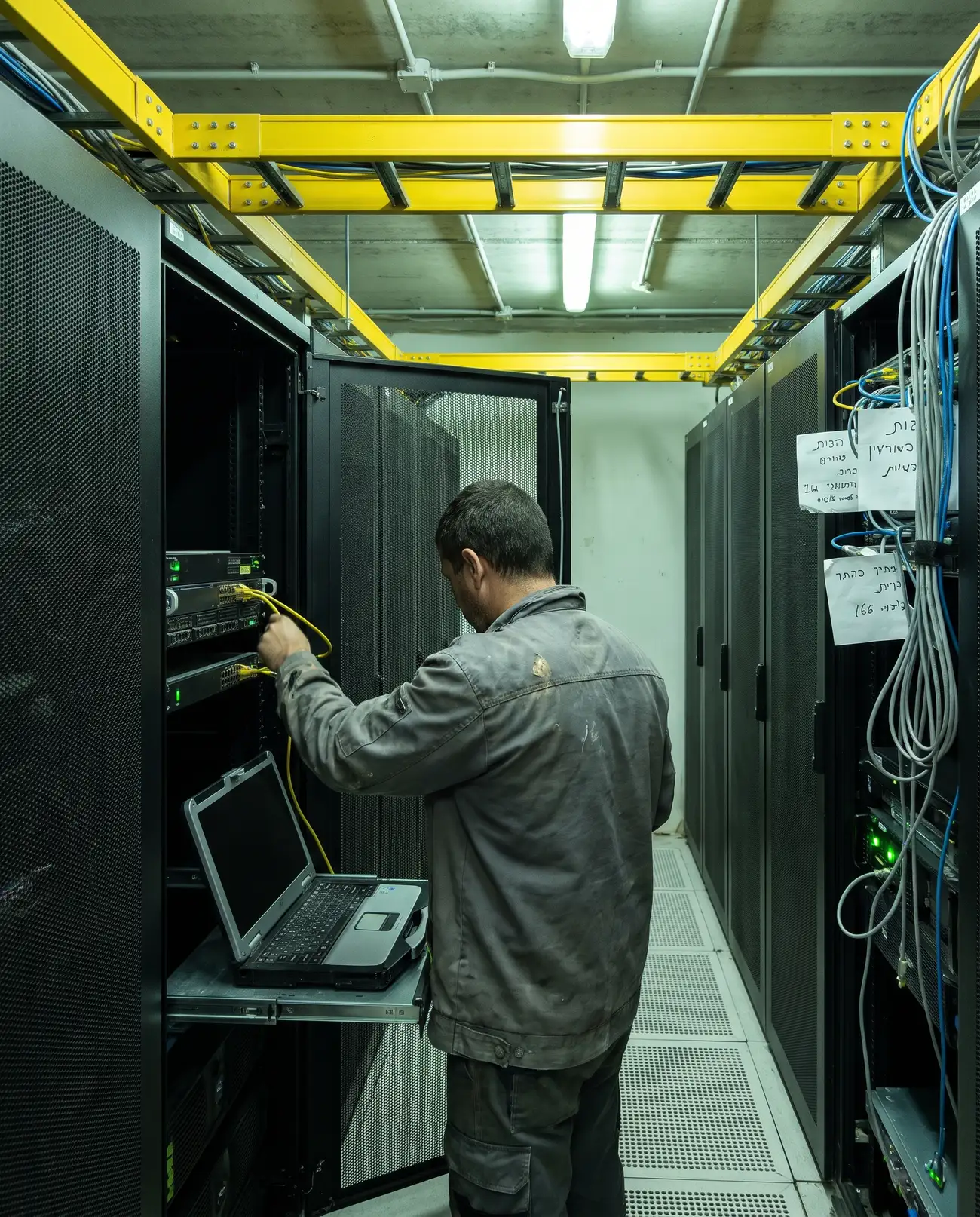
A server in the office is still right when you work with heavy files, when software requires a local network, or when the internet line is unreliable. The cloud is better when people work from several places and when work has to continue even when the office has no power.
What are the options? Five ways to run a server
A lot of confusion comes from calling different things "cloud". These are the five options, in plain words:
- A server in the office
- Your server, in your cabinet. The hardware, power, cooling and maintenance are on you.
- Server hosting (colocation)
- Your server, but it sits in a data center that provides power, cooling, connectivity and physical security.
- A virtual server in the cloud (VPS)
- A virtual machine that you rent. It looks like a server of your own, but runs on the provider’s hardware. In NIST terms this is IaaS.
- Software as a service (SaaS)
- You use the software without managing a server at all: Microsoft 365, or a cloud ERP system.
- A combination (hybrid)
- Part in the office and part in the cloud, connected to each other. NIST defines a hybrid cloud as a combination of several clouds. In businesses in Israel the word usually means an office server together with a cloud.
What moves to the cloud easily, and what less so?
Not every system gains the same from the move:
- Email and calendars
- Move easily to Microsoft 365. Almost always worth it.
- Shared files
- Move easily to SharePoint and OneDrive, as long as the files are not very heavy.
- Telephony
- A cloud PBX or an IP PBX in the office, depending on the number of extensions and lines.
- Accounting software or ERP
- Depends on the software: some have a cloud version, and some require a server.
- Heavy files (drawings, video)
- Better kept close to whoever works on them.
When is an on-premise server still the right choice?
There are cases where the server in the office is the right choice, and it is important to say so:
- Heavy files
- Drawings, video files or large images that move around all day. Over the internet this will be slow.
- Software that requires a local network
- Old systems or factory machines that talk to a server on the internal network.
- A weak internet line
- If the internet goes down, access to the cloud goes down too.
- A requirement that the data sits in a specific place
- A customer or a regulation that sets where the data is stored.
- A fairly new server
- A server with years of warranty left. There is no reason to throw it out tomorrow.
When is the cloud better?
The cloud is better when:
- People work from several places
- From home, from branches, from the field. There is no dependence on one office.
- A power cut in the office stops everything
- In the cloud the system keeps working.
- The server room is a cabinet in the corner
- With no cooling, no backup power and no lock.
- The server has aged
- In place of buying hardware for five years, you pay for what you use.
- There is nobody to maintain hardware
- The physical part moves to the provider.
Who is responsible for what in the cloud?
The provider is responsible for the hardware and the service. The data, the users and the settings stay your responsibility. This is what Microsoft writes in its shared responsibility model: in every type of cloud, including Microsoft 365, the customer is responsible for the data, the accounts and access management.
In practice this means that a move to the cloud takes the physical part off you, but updates, permissions, two-factor authentication and backup still need someone to manage them.
Does Microsoft 365 back up my data?
Not for you. Microsoft keeps the service running, but a deleted file, a hacked account or ransomware that encrypted synced files are the business’s responsibility. Microsoft itself sells a separate backup product for Microsoft 365, and that is the simple proof that the recycle bin and version history are not a backup.
The solution is a copy of the email and the files outside the account, following the 3-2-1 rule.
Is a cloud server protected from break-ins and ransomware?
Not automatically. A virtual server in the cloud can be encrypted by ransomware exactly like a server in the office. What protects it is the same things: two-factor authentication, a separate admin account, remote access only through a VPN, and a separate backup copy.
How do you work out which really costs more?
Compare all the costs over five years, not only the monthly bill. What to count:
- With a server in the office
- Hardware that is replaced about every five years, licences, power and a UPS, backup, an IT person’s time, and the cost of a day when the server is down.
- In the cloud
- A monthly payment for the server and the storage, licences, backup outside the provider, a second internet line, and the cost of taking the data out if you leave.
- In both
- Management time: someone has to update, monitor and handle faults.
What happens if the internet goes down?
When the systems are in the cloud, the internet line is part of the server. If it goes down, there is no access. So a business that moves to the cloud needs a second line from a different provider, and a firewall that switches over to it on its own.
How do you move to the cloud without stopping work?
In stages:
- Mapping
- What runs today, who uses it and from where, and what depends on what.
- Pilot
- Move one system or one group of users and check.
- A weekend move
- The rest is moved in a coordinated time window.
- The old server stays
- For a defined time, read-only, in case something is missing.
What should you ask a cloud provider before you sign?
Six questions:
- Where the data is stored
- In which country and in which data center.
- What availability is guaranteed
- And what you get if it is not met.
- Who backs up
- And whether the backup is with the same provider or somewhere else.
- Who holds the admin password
- You should have it too.
- Support hours
- And who answers at night and at the weekend.
- How you leave
- In what format you get the data, and how quickly.